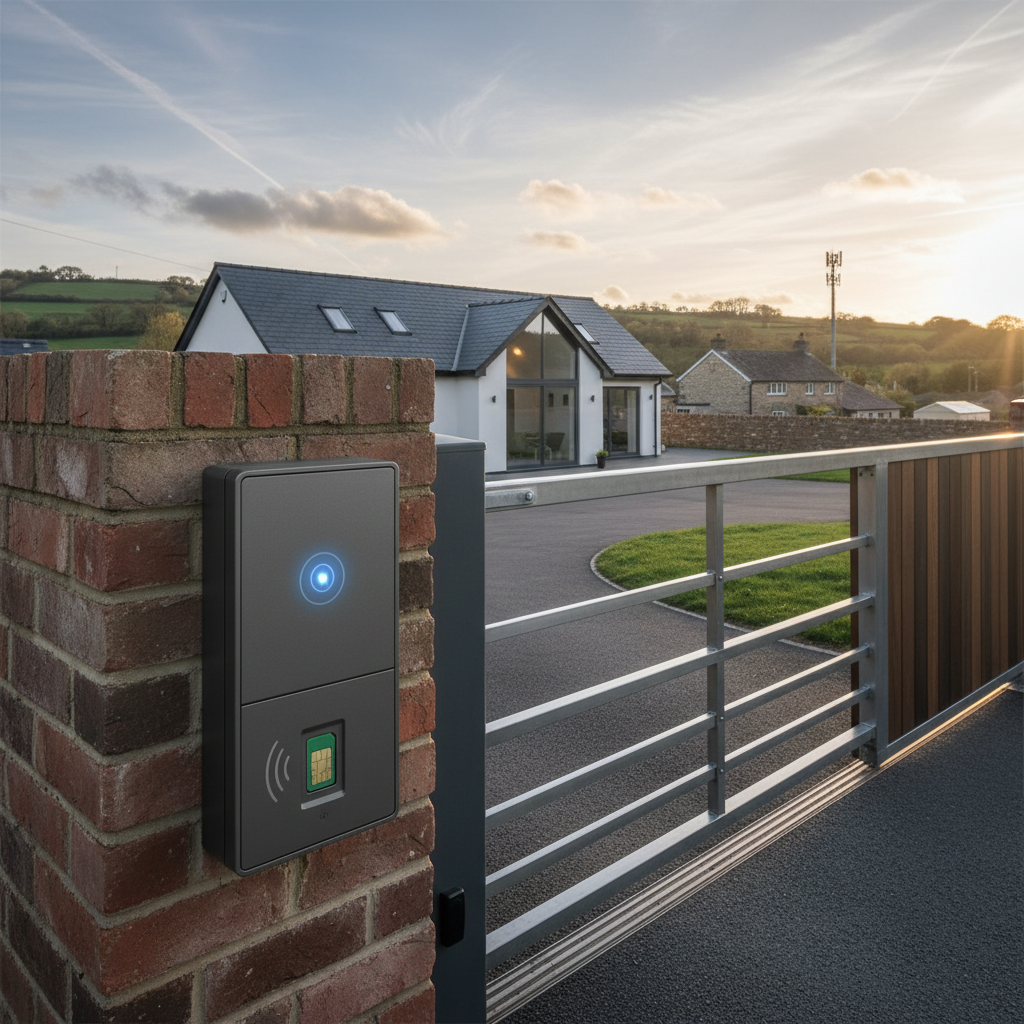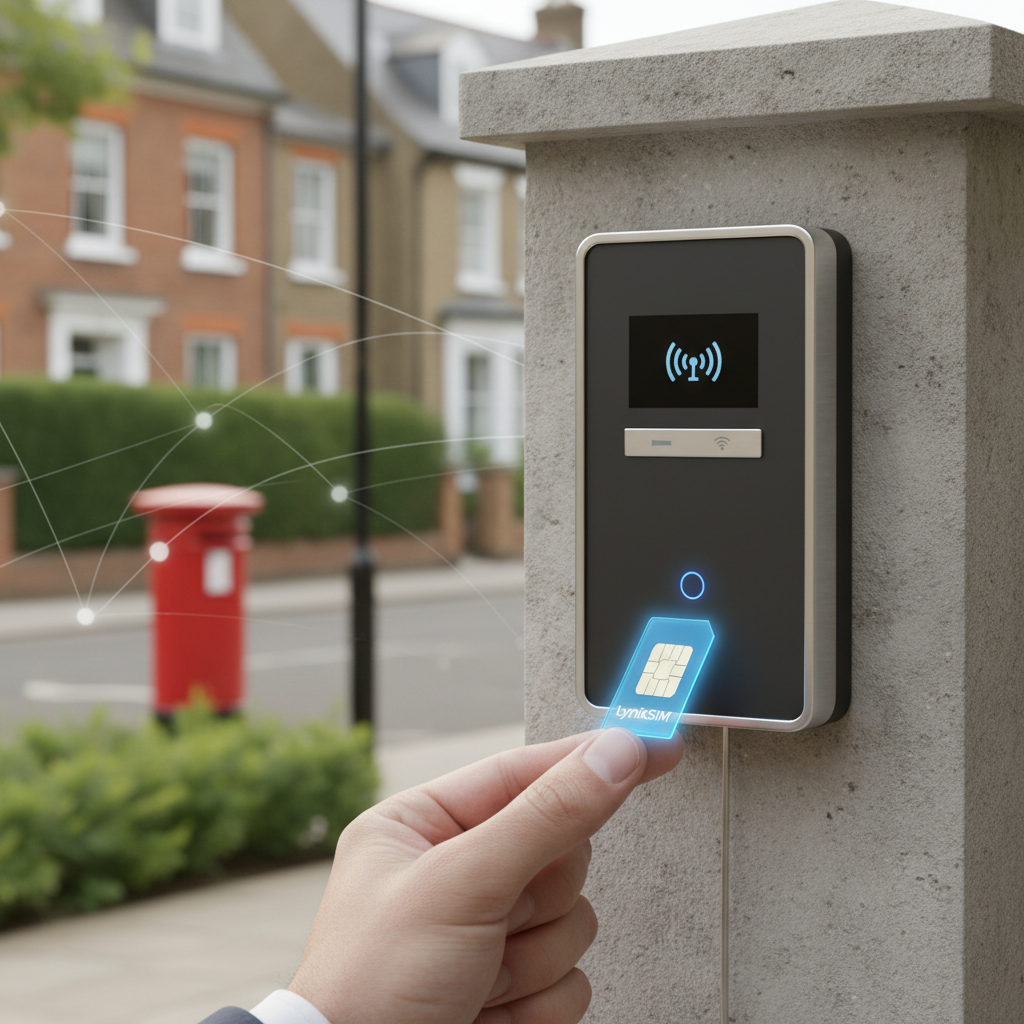
Gate Intercom Keeps Dropping Calls – Fixed by LynixSIM
Common Gate and Intercom Signal Problems in the UK
Signal-related problems cause more gate and intercom failures than any other single issue. These problems manifest in various frustrating ways that disrupt property access and annoy both residents and visitors.
Calls to the gate failing to connect represents the most obvious symptom. Someone presses the call button or dials the gate number, but the call never establishes. The caller hears ringing that goes unanswered, or the call fails immediately with a network error. From the gate system perspective, it simply never receives the incoming call because the mobile signal is too weak to maintain a connection.
Intermittent operation proves even more frustrating because the gate works sometimes but not others. The system operates perfectly one day, fails the next, then works again seemingly at random. This unpredictability makes diagnosis difficult and leaves you never quite certain whether visitors will be able to access the property.
Rural properties face signal challenges more frequently than urban locations. Properties in valleys, behind hills, or in remote areas often sit at the edge of mobile network coverage. Where city locations typically have strong signals from multiple networks, rural areas might have weak coverage from just one or two carriers, or strong coverage only from certain directions.
Weather effects become noticeable in marginal signal areas. Heavy rain, wind affecting antenna positions, or even seasonal foliage changes can push a borderline signal below the threshold needed for reliable operation. A gate that works acceptably in winter may struggle during summer when trees are in full leaf.
The weakness is not single-network itself. The risk is choosing the wrong network without checking coverage first. Every gate SIM runs on one mobile carrier, so if it is issued on a network with poor coverage at your location, the service will be unreliable. LynixSIM reduces that risk by assessing the address before issuing the SIM.
How Coverage Differs Between Networks
Understanding how mobile coverage varies between networks at the same address explains why the choice matters so much for gate applications.
Standard single-network SIMs lock to one specific mobile network when first activated. An EE SIM connects only to EE infrastructure, a Vodafone SIM only to Vodafone masts, and so forth. This SIM will search for its designated network and either connect successfully or fail to register if signal strength is insufficient.
When signal strength from the selected network is marginal, the connection becomes unstable. The SIM might register successfully sometimes but drop the connection when signal fluctuates. The network is fixed when the SIM is issued, which is exactly why Lynix assesses the address beforehand rather than leaving the choice to chance.
LynixSIM works differently. These SIMs can register on any of several major UK mobile networks. The SIM registers on the network you chose when you ordered it and stays there. This selection happens automatically without any user configuration or manual switching.
Consider a real-world scenario. A property in rural Northumberland might have weak EE coverage due to distance from the nearest EE mast, moderate Vodafone signal, and strong O2 coverage. A single-network EE SIM struggles continuously in this location. Ordering the SIM on O2 gives a stable, reliable connection, because the network was chosen on evidence rather than by default.
Selecting the right network before the SIM is issued helps avoid the risk of ordering blindly on the wrong network. Your gate is then connected using the selected network option rather than relying on a generic SIM choice.
How the Signal Assessment Works
The signal assessment sounds technical, but it asks nothing of you beyond a postcode and the make of your intercom. Understanding the basic principles helps appreciate why this solution delivers such reliable results.
When you first insert the SIM into a gate controller and power on the system, it registers on the network it was issued for. It detects signals from all major UK carriers within range: EE, Vodafone, O2, and Three. The SIM measures signal strength from each network and registers on whichever provides the most robust connection at that moment.
This network selection happens entirely automatically. You do not configure preferred networks or manually switch between carriers. The SIM handles all decisions based on real-time signal measurements. From the gate controller perspective, it simply connects to a mobile network the same way any SIM would. The controller neither knows nor cares which specific network is currently in use.
Once connected, the SIM continuously monitors signal quality. If the current network signal degrades below a certain threshold while a different network offers better strength, the SIM can switch networks. This switchover typically completes in seconds and happens transparently. The gate might become unavailable very briefly during the switch, but operation resumes immediately on the new network.
The practical difference this makes to call reliability is substantial. Instead of depending on one network maintaining good coverage at your location continuously, you gain the combined coverage footprint of all major UK networks. The chances that all networks simultaneously have poor coverage at any given location are remarkably small.
LynixSIM provides this network selection as a free check across Vodafone, O2 and EE. This comprehensive UK network access ensures your gate works reliably regardless of which individual carrier provides the best service at your property location. The solution requires no technical configuration and works immediately upon installation.
Practical Signal Troubleshooting Tips
Before concluding that you need to change network, eliminate other potential causes of gate signal problems through systematic troubleshooting. These checks help identify whether the issue truly relates to mobile signal or stems from different causes.
Check signal strength indicators on your gate controller if the unit provides them. Many controllers display signal bars or LED indicators showing current mobile network connection status. If the controller shows zero bars or no network connection, signal issues are confirmed. If it shows good signal but the gate still fails, look elsewhere for the problem.
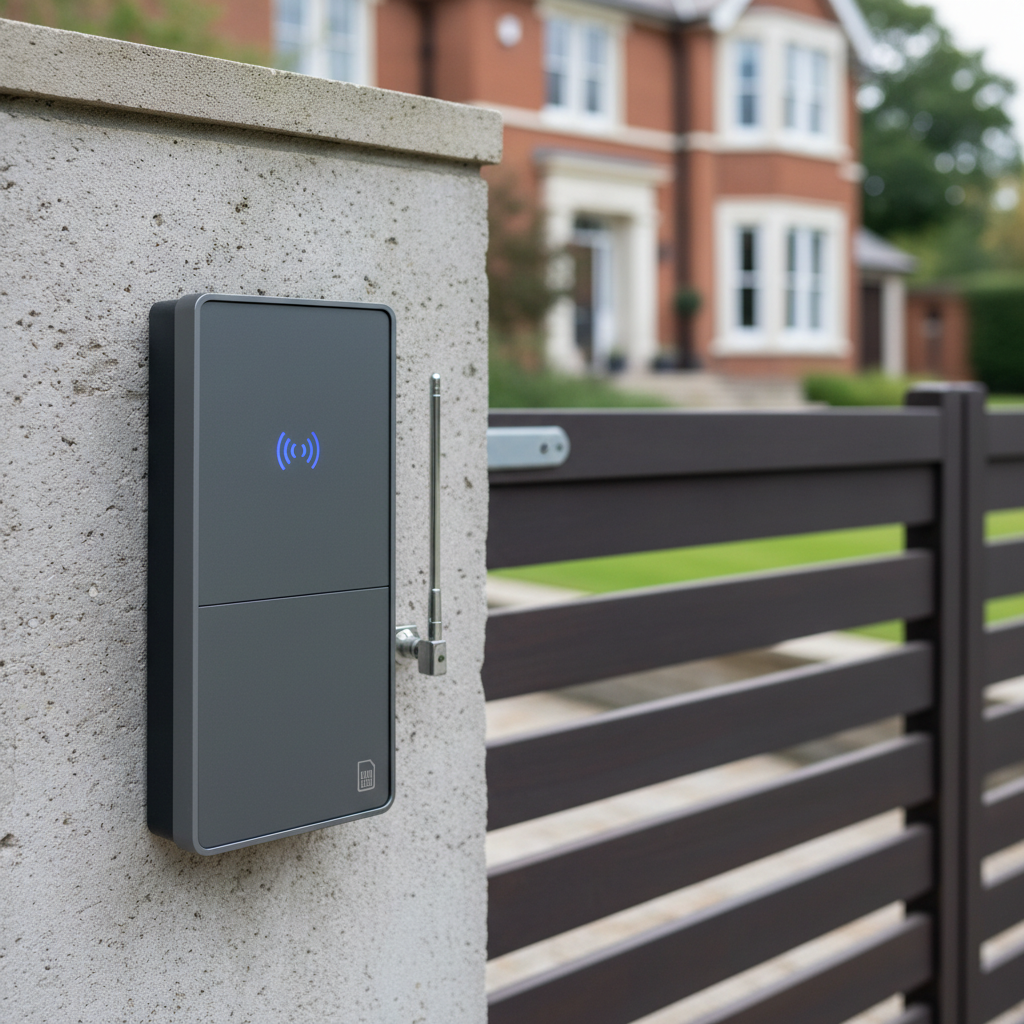
Antenna positioning and orientation significantly affect signal reception. Gate controllers typically connect to external antennas mounted on the gate post, pillar, or nearby structure. Ensure the antenna has not become loose, damaged, or obstructed. Antennas should point vertically and remain securely fastened. Sometimes simply re-positioning the antenna a few inches can meaningfully improve signal strength.
Consider whether the antenna location provides clear line of sight toward mobile masts. Metal gate structures, thick walls, underground controller boxes, or other obstacles between the antenna and distant mobile masts degrade signal strength. If the controller sits inside a metal enclosure, ensure the antenna is mounted externally with a proper cable connection.
Test the gate by calling from different mobile phones on different networks. If your phone uses EE and fails to connect reliably, try calling with a Vodafone or O2 phone. If other networks connect successfully when EE fails, this confirms that network-specific coverage issues exist at your location. Choosing the network on evidence becomes the clear solution.
Eliminate controller or power issues as potential causes. Verify the gate controller has stable power and no error indicators unrelated to mobile signal. Test any mechanical aspects of the gate operation using manual controls. If the gate mechanism works fine manually but fails via phone calls, the issue lies in the communication system rather than gate hardware.
Case Example: Rural UK Property With Poor Coverage
A residential property in rural Herefordshire illustrates how choosing the right network solves real-world signal problems that guesswork cannot.
The property sat approximately four kilometres from the nearest village, surrounded by agricultural land and rolling hills. The owner installed an electric gate with a standard EE PAYG SIM, which worked initially but became increasingly unreliable over several months.
Symptoms included calls to the gate failing to connect approximately half the time, seemingly at random. Sometimes visitors could call successfully, while minutes later another caller would get a network error. The gate operator had no pattern to the failures and simply experienced frustration and complaints from delivery drivers and visitors unable to gain access.
Signal testing revealed that EE coverage at the property location was marginal. The property sat far enough from the nearest EE mast that signal strength fluctuated depending on atmospheric conditions. On clear days with optimal conditions, the EE signal was adequate. When weather deteriorated or during certain times of day when network traffic increased, the signal dropped below usable levels.
Testing with phones on other networks showed that Vodafone provided moderate signal strength at the same location, while O2 offered consistently strong coverage. The difference related to the specific locations of each network mast relative to the property and the directions they transmitted.
The solution involved replacing the EE SIM with a LynixSIM card on O2. The signal check identified O2 as clearly the strongest at that address, and the replacement SIM was ordered on it. The gate immediately became reliable, with successful connections regardless of weather or time of day.
Six months after the upgrade, the property owner reported zero failed calls and complete reliability. Where the previous EE SIM had created an ongoing source of frustration, the O2 replacement simply worked consistently. The upgrade cost was minimal compared to the value of reliable property access and eliminated the constant complaints about gate failures.
Why Choosing the Right Network Reduces Dropouts
LynixSIM built its entire service around solving the signal and connectivity challenges that affect electric gates and intercoms across the UK. Choosing the network deliberately addresses these problems at a fundamental level.
By identifying which of Vodafone, O2 and EE performs best before you order, LynixSIM removes the guesswork that leaves gates stuck on the wrong carrier. Your gate gains access to the combined infrastructure of all major UK mobile networks rather than being limited to one.
This requires no configuration changes or technical knowledge from you. The SIM handles network selection autonomously based on real-time signal measurements. Once your engineer has installed and programmed the SIM, your gate works reliably from that point forward.
For installers, LynixSIM reduces call-outs significantly. Signal-related gate problems generate substantial reactive maintenance work, with installers travelling to site only to discover the issue is simply poor coverage from the chosen mobile network. By checking the signal at each address before ordering, installers drastically reduce these unnecessary site visits.
The solution works equally well in rural areas with limited coverage and urban areas where signal can vary due to building density and interference. Wherever your property is located in the UK, choosing between Vodafone, O2 and EE on evidence gives the most reliable result for gate applications.
LynixSIM provides UK-based technical support from a team that understands gate installations and mobile signal issues. When you need assistance diagnosing problems or optimising your installation, you speak to specialists familiar with UK properties and UK networks rather than generic customer service representatives.
When to Consider External Antennas or Boosters
While the right network solves most signal problems, some locations require additional measures to achieve reliable gate operation. External antennas or signal boosters become necessary in specific challenging environments.
Very remote locations with weak 4G coverage across all mobile networks may benefit from high-gain external antennas. These specialised antennas capture signals more effectively than the small antennas typically supplied with gate controllers. Mounting a high-gain antenna in an elevated position with clear sightlines toward distant mobile masts can meaningfully improve reception in fringe coverage areas.
Metal gate housings and enclosures block radio signals significantly. If your gate controller sits inside a metal electrical cabinet or metal gate post, the enclosure acts as a Faraday cage that attenuates mobile signals. The solution involves mounting the antenna outside the metal enclosure and running a cable to the controller inside. Most controllers provide an external antenna connection for exactly this purpose.
Underground or enclosed controller boxes present similar challenges. Controllers installed in underground pits, below ground-level enclosures, or inside thick concrete structures receive severely degraded signals. Again, mounting the antenna externally where it can receive signals freely solves the problem. The antenna should be positioned with vertical orientation and as much height as practical.
External antennas work well alongside a well-chosen network. The antenna improves signal reception on whichever network you have chosen, so the two measures work together rather than against each other. This combination delivers optimal results in difficult locations.
If you determine that external antenna improvements are necessary for your installation, consult with your installer regarding appropriate antenna types and positioning. LynixSIM can also provide guidance on antenna options for challenging UK locations.
Frequently Asked Questions
How Do I Know Which Network My Gate SIM Is Using
Most gate controllers do not display which specific mobile network the SIM is currently connected to. The controller typically shows only whether it has network connectivity, displayed as signal bars or connection indicators. From a practical perspective, you do not need to work out which network is best yourself, because the free signal check does it for you. As long as the controller shows network connection, the system is working correctly on whichever network currently provides the best signal.
Will Changing Network Fix My Signal Problems
Signal problems caused by poor coverage on one network are fixed by moving to whichever of the other two covers your location better. If at least one of Vodafone, O2 and EE provides adequate signal at your property, the signal check will find it and tell you to order on it. However, if your location genuinely has poor coverage from all three networks, choosing the best of them may not suffice, and you might need additional measures like external antennas. The vast majority of UK locations have good coverage from at least one of Vodafone, O2 and EE, so the job is simply identifying which.
Can I Test Signal Strength Before Installing
You can test likely signal strength by checking your own mobile phone reception at the gate location using different networks. Try phones from EE, Vodafone, O2, and Three if possible. The network that performs best on your phone will likely provide the best service for your gate SIM. All UK networks provide online coverage checkers where you can enter your postcode for predicted signal strength. However, actual performance can vary from predictions due to local geography and structures, so real-world testing with phones provides the most reliable assessment.
What If I Have No Coverage From Any UK Network
Locations with genuinely no coverage from any UK mobile network are rare but do exist in the most remote parts of the country. If your property falls into this category, you might need to consider alternative access control solutions that do not rely on mobile networks, such as hardwired intercoms, radio frequency systems, or internet-connected systems using fixed broadband. Consult with access control installers about what options work best for properties beyond mobile coverage areas.
Do I Need to Change My Gate Controller Settings
Changing from one network to another typically requires minimal settings changes. You will need to update the phone number stored in your controller if the new SIM has a different number. Some controllers may require APN configuration for the new SIM to connect to mobile networks. LynixSIM provides clear APN settings with the SIM, and entering these usually takes only a few minutes through the controller programming menu. Beyond these basic changes, the controller settings remain the same, because the network is fixed on the SIM itself and the controller never sees it.
Dropped calls are usually a coverage problem rather than a fault in the unit. Our page on intercom SIM cards explains how to choose between Vodafone, O2 and EE, and how to measure signal in dBm at the gate rather than at the house.
Key Takeaways
- LynixSIM offers Vodafone, O2 and EE coverage for reliable gate connectivity
- Pre-activated SIMs work immediately with tested gate systems