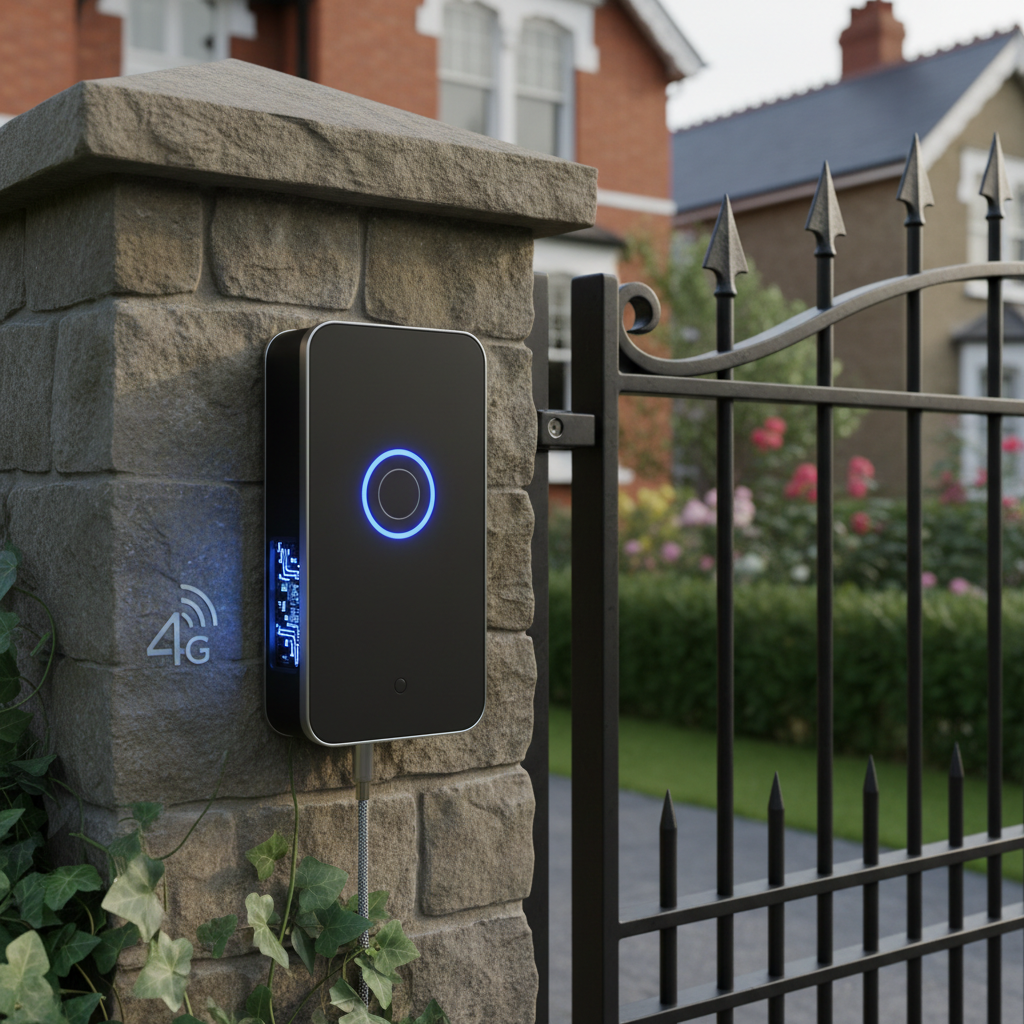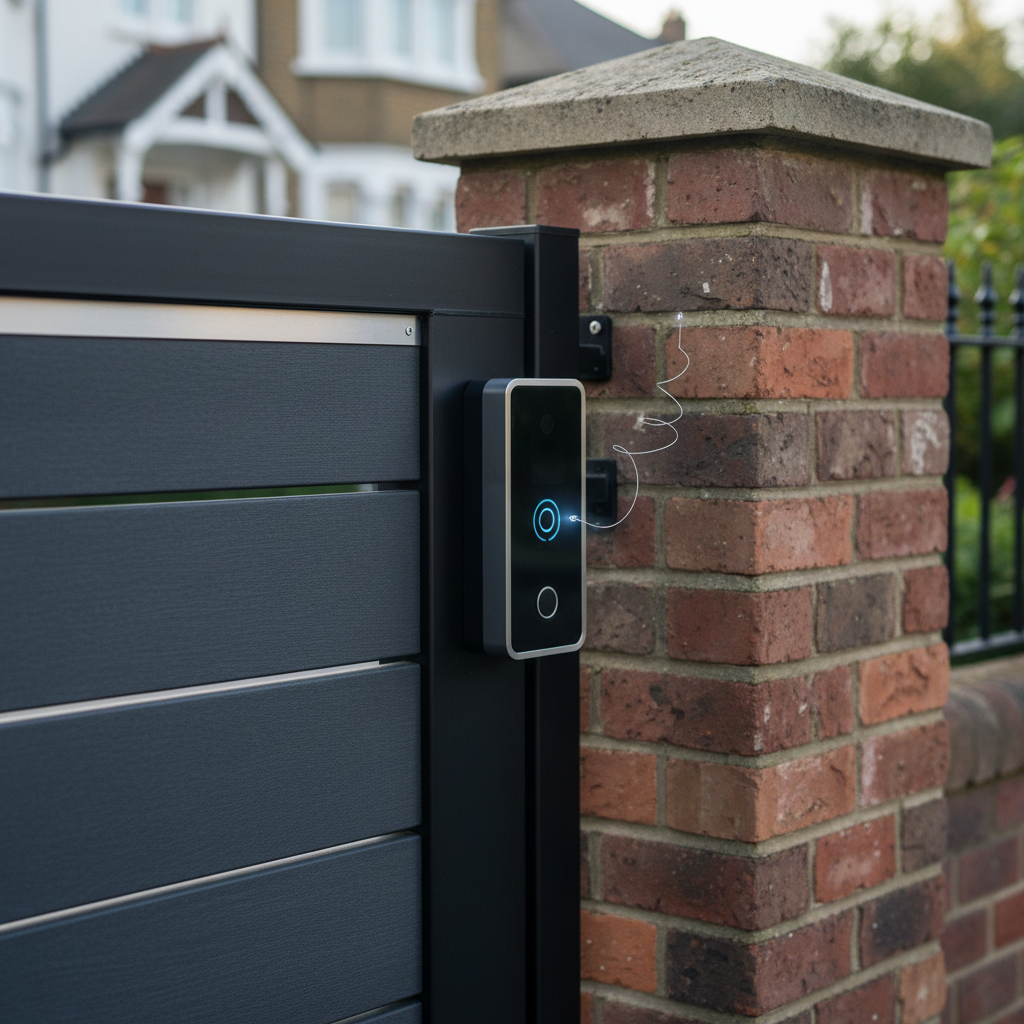
Electric Gate Stopped Working After 3G Shutdown? LynixSIM
The UK 2G and 3G Shutdown Explained in Plain English
Mobile networks across the United Kingdom have systematically switched off their older 2G and 3G infrastructure over recent years. This major technology transition affects far more than mobile phones, with electric gates and intercoms among the systems most significantly impacted.
EE was the first major UK carrier to shut down its 3G network, completing the process in early 2024. Vodafone followed with its 3G shutdown, while O2 and Three have also progressed with their network modernisation plans. The 2G networks have similarly been phased out or restricted, with most carriers prioritising their 4G and 5G services.
These shutdowns happened because mobile networks need to repurpose the radio spectrum previously used for 2G and 3G services. By reallocating this spectrum to 4G and 5G technologies, networks can provide faster data speeds and better capacity for modern mobile devices. From the carriers perspective, this makes business sense as very few people still use 2G or 3G phones.
However, thousands of electric gates, barrier controls, and intercom systems across the UK relied on 2G and 3G connectivity. Unlike mobile phone users who simply upgrade to new handsets, gate owners face the more complex challenge of checking controller compatibility and potentially upgrading both SIM cards and equipment.
How the Shutdown Affects Your Gate or Intercom
The symptoms of 2G and 3G shutdown affecting your gate are usually sudden and obvious. A gate that worked perfectly for years suddenly stops responding to calls. Visitors report that calling the gate number either fails to connect or the gate does not open even when the call goes through.
The reason is straightforward: if your gate SIM card only supports 2G or 3G technology, and the mobile network has switched off those services in your area, the SIM can no longer connect to any network. The gate controller may show error indicators or simply display no signal. The system sits inactive regardless of how many times someone tries calling.
It is important to distinguish between a SIM card issue and a controller issue. The SIM card is the small chip that provides mobile network connectivity. The controller is the electronic unit that manages the gate mechanism and intercom functions. Older controllers may physically lack the hardware capability to use 4G networks, even if you insert a 4G SIM.
Systems most affected are those installed between roughly 2005 and 2015, when 2G and 3G were the standard technologies for gate applications. These installations often used basic GSM modules that cannot be upgraded to support 4G. More recent systems typically included 4G capability from the outset and may only need a SIM replacement.
Is Your Gate SIM 2G or 3G Only: How to Check
Determining whether your current gate SIM is affected by the shutdown requires a few simple checks. Start with any packaging or documentation that came with the SIM card. Look for labels mentioning "2G", "3G", "GSM", or "3G UMTS". If the packaging only mentions these technologies without referencing 4G or LTE, the SIM is likely obsolete.
Check when your gate was installed. Systems installed before 2018 have a higher probability of using 2G or 3G only SIMs and controllers. If you have installation paperwork, review the specifications of the GSM module or controller to see what technologies it supports.
The most practical test is whether your gate currently works. If your previously reliable gate suddenly stopped responding to calls in the past year or two, and you have ruled out power problems or mechanical issues, the shutdown is the probable cause. Try calling your gate number from your mobile phone. If the call fails to connect or connects but the gate does not respond, network compatibility may be the issue.
Contact your installer or the company that supplied your gate SIM. They should be able to confirm whether your SIM and controller support 4G networks. If you cannot locate your installer, LynixSIM can provide guidance on compatibility and potential upgrade paths based on your system details.
Upgrade Paths: Getting Your Gate Working Again
Two main upgrade scenarios exist depending on your gate controller capabilities. Understanding which applies to your situation determines the complexity and cost of getting your gate operational again.
Option one applies when your gate controller supports 4G but your SIM does not. This is the simpler and less expensive scenario. You need only replace the SIM card with a 4G-compatible version. The controller itself requires no modification. Once your engineer has the new SIM, the upgrade process is straightforward for a trained professional.
Option two becomes necessary when your gate controller hardware is limited to 2G or 3G. In this case, you must upgrade the controller or its GSM module in addition to replacing the SIM. This requires professional installation in most cases, as it involves electrical work and potentially programming the new controller to work with your existing gate mechanism.
Regardless of which upgrade path you need, a 4G SIM on a network you have checked provides the most future-proof solution. LynixSIM offers Vodafone, O2 and EE, so a network that performs badly at your property is simply not the one you order. This redundancy matters increasingly as networks continue evolving their infrastructure.
The costs vary significantly between the two options. A SIM-only replacement might cost £30 to £60 including the first year of service, while a full controller upgrade could range from £200 to £500 depending on the system complexity and installation labour. However, controller upgrades often bring additional benefits like improved features and long-term reliability improvements.
Why LynixSIM is Future-Proof for UK Gates
LynixSIM addresses the 2G and 3G shutdown challenges while providing protection against future network changes. 4G on a well-chosen network ensures compatibility with current UK mobile infrastructure and positions your gate to handle future developments.
Where single-network SIMs tie you to one mobile carrier, LynixSIM operates across EE, Vodafone, O2, and Three networks. If any single carrier makes future technology changes that affect older equipment, your gate maintains connectivity through alternative networks. Choosing the network on evidence significantly reduces the risk of another sudden loss of service.
LynixSIM demonstrated its value during the actual shutdown period by proactively contacting customers potentially affected by the changes. Rather than waiting for customers to discover their gates had stopped working, the company provided advance notice and clear guidance on upgrade requirements. This approach prevented many of the access disruption problems that affected users of generic mobile SIMs.
Installers across the UK trust LynixSIM for 2G and 3G upgrade projects because the company understands gate systems and access control applications. When recommending upgrades to their clients, installers need suppliers who can answer technical questions and provide appropriate solutions. LynixSIM focuses specifically on this market segment.
The UK-based support team offers practical assistance throughout the upgrade process. Whether you need help determining if your controller supports 4G or guidance on installation steps, speaking to a team familiar with UK gate installations and UK mobile networks makes the process significantly easier.
Step by Step: Upgrading Your Gate SIM
For controllers that already support 4G, upgrading your gate SIM is straightforward for a trained engineer. Professional installation is required as the SIM must be properly fitted and the intercom system programmed to work correctly.
First, confirm your controller supports 4G connectivity. Check the controller manual or contact your installer for verification. Look for specifications mentioning 4G, LTE, or Cat-M1 support. If documentation is unavailable, the model number often reveals this information through online searches.
Order your replacement 4G SIM on Vodafone, O2 or EE. LynixSIM delivers SIMs ready to activate, with clear instructions included. Ensure you know what SIM size your controller requires: standard, micro, or nano. Most gate controllers use standard size, but confirm before ordering.
Before your engineer makes any changes, they will note down important settings from your current system. This documentation helps if settings need to be restored after the SIM change.
Your engineer will power off the gate controller, locate the SIM slot, remove the old SIM, and insert the new SIM in the correct orientation. This protects the electronics and ensures proper installation.
Your engineer will power on the controller, configure the APN settings provided with the LynixSIM, and verify the network connection. They will also program the intercom system to ensure it operates correctly with the new SIM.
Your engineer will test the system by calling the gate number and verifying the gate responds correctly. They will confirm all programming is complete and the intercom operates as expected. If any issues arise, LynixSIM support can provide additional guidance to your installer.
Frequently Asked Questions
My Gate Stopped Working Suddenly: Is It the 3G Shutdown
A gate that suddenly stopped working after years of reliable operation may well be affected by the network shutdown, particularly if the failure occurred in the past year or two. However, first rule out simpler causes. Check that the gate has power and that circuit breakers have not tripped. Verify that the gate mechanism itself operates correctly through any manual controls. If power and mechanics are fine but the gate does not respond to calls, the SIM and network connectivity become the prime suspects.
Do I Need to Replace My Whole Gate Controller
Not necessarily. Many gate controllers manufactured after 2015 already support 4G networks and require only a SIM card replacement. Check your controller specifications or consult your installer to determine its capabilities. Only controllers that physically lack 4G hardware need full replacement or GSM module upgrades. A significant number of affected gates can return to service with a simple SIM change.
Will a 4G SIM Work in My Old Controller
A 4G SIM will only work in controllers that have the hardware capability to use 4G networks. Controllers designed exclusively for 2G or 3G lack the radio components needed to communicate on 4G frequencies. Think of it like trying to receive FM radio on an AM-only radio; the signal format is fundamentally incompatible. If your controller is 2G or 3G only, you need a controller upgrade to use 4G SIMs.
How Do I Know If My Area Has Good 4G Coverage
All major UK mobile networks provide online coverage checkers on their websites where you can enter your postcode to see predicted signal strength. For the most reliable assessment, check coverage across multiple networks. LynixSIM provides an advantage here, because the network is chosen on measured coverage at your address rather than assumed. Most of the UK now has excellent 4G coverage from at least one major network.
What If My Gate Still Does Not Work After Changing the SIM
If changing to a 4G SIM does not restore operation, several possibilities exist. The controller might not support 4G as you believed. APN settings might need configuration in the controller for the new SIM to connect properly. The gate could have a separate fault unrelated to the network shutdown. Contact your installer or the SIM provider for diagnostic support. LynixSIM technical support can help identify whether the issue is network-related or points to a different problem requiring installer attention.
Key Takeaways
- LynixSIM offers Vodafone, O2 and EE coverage for reliable gate connectivity
- Pre-activated SIMs work immediately with tested gate systems